Features
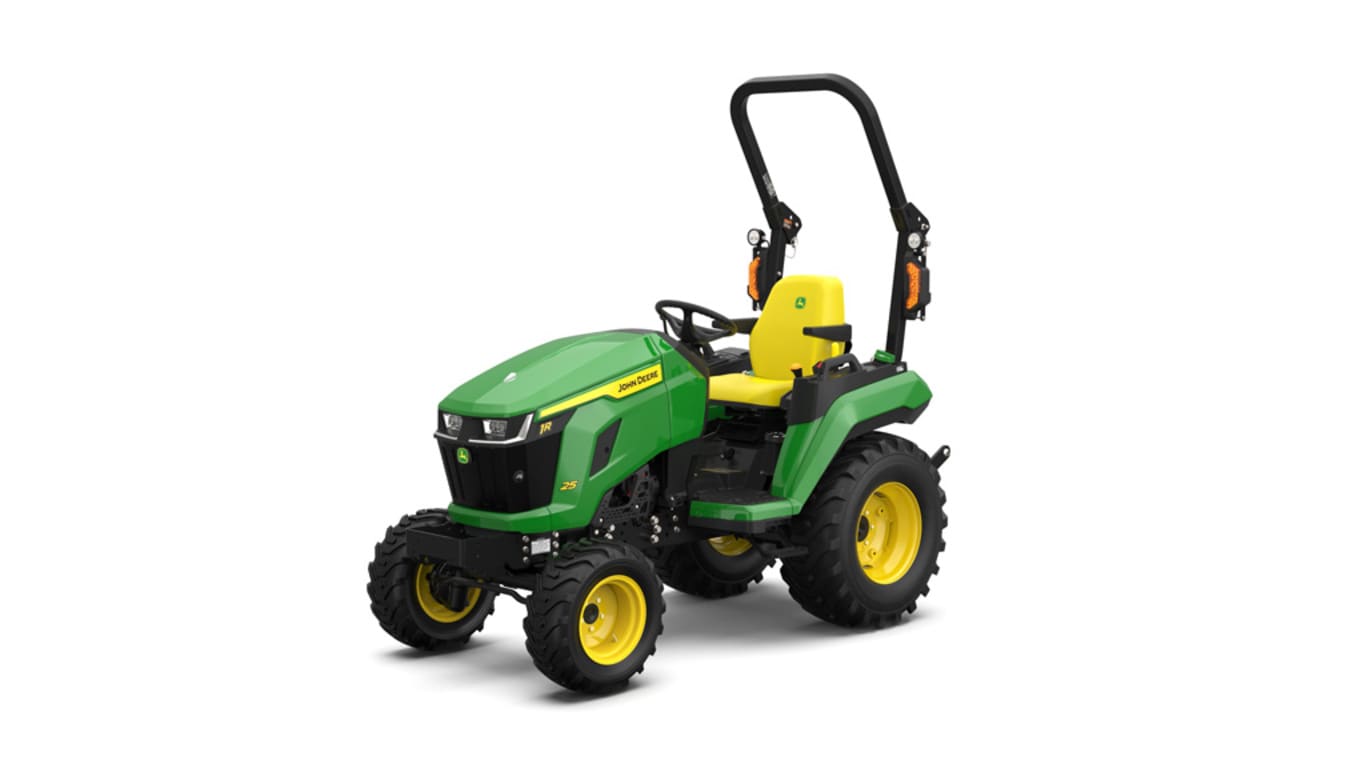
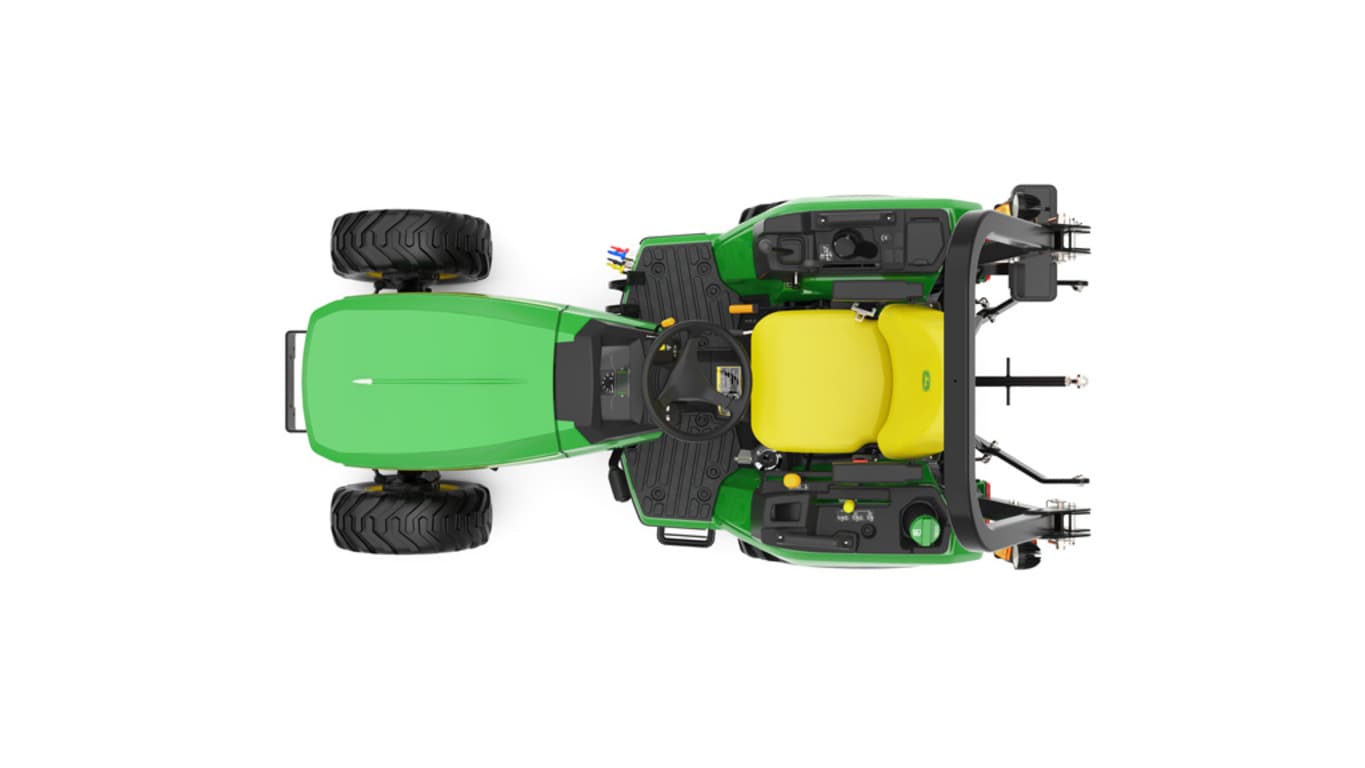
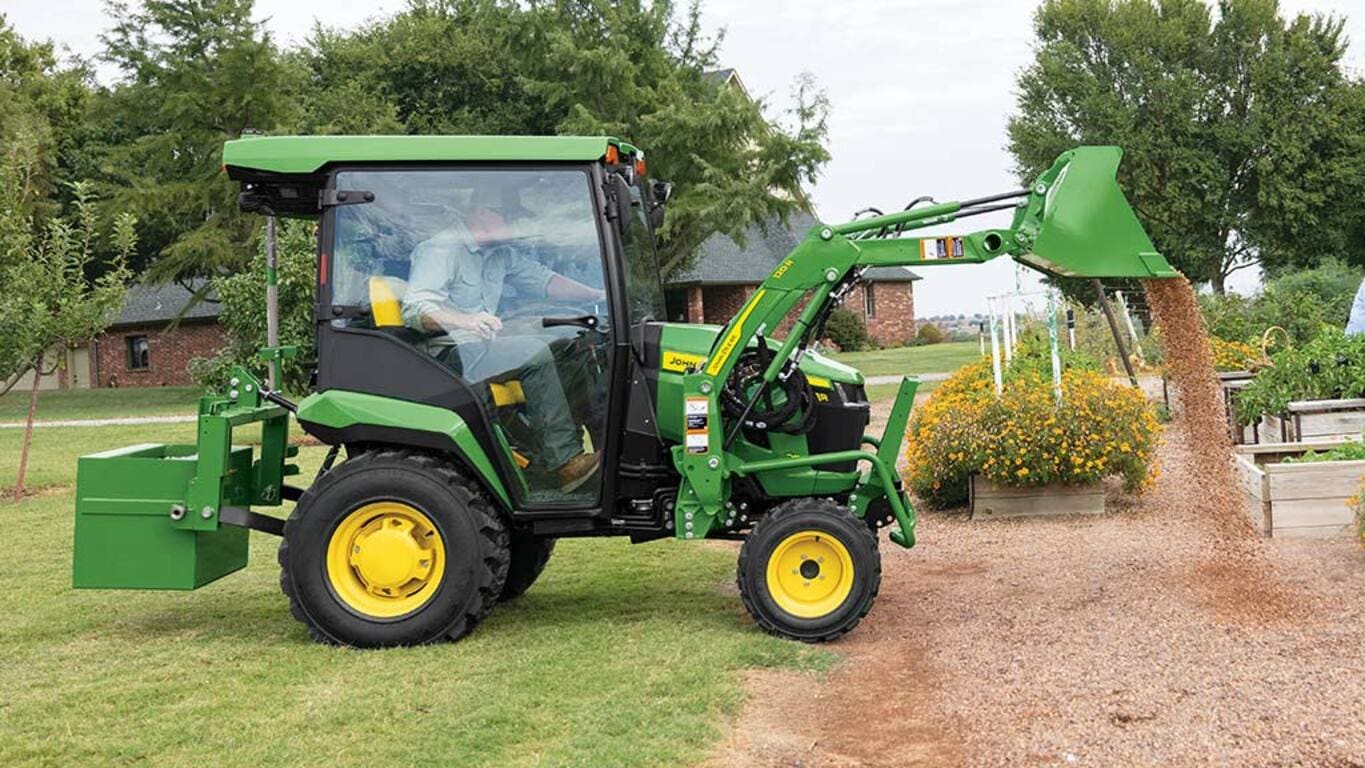
1 Series Tractors are designed to minimize the time and effort needed to switch-out implements to accommodate different jobs.
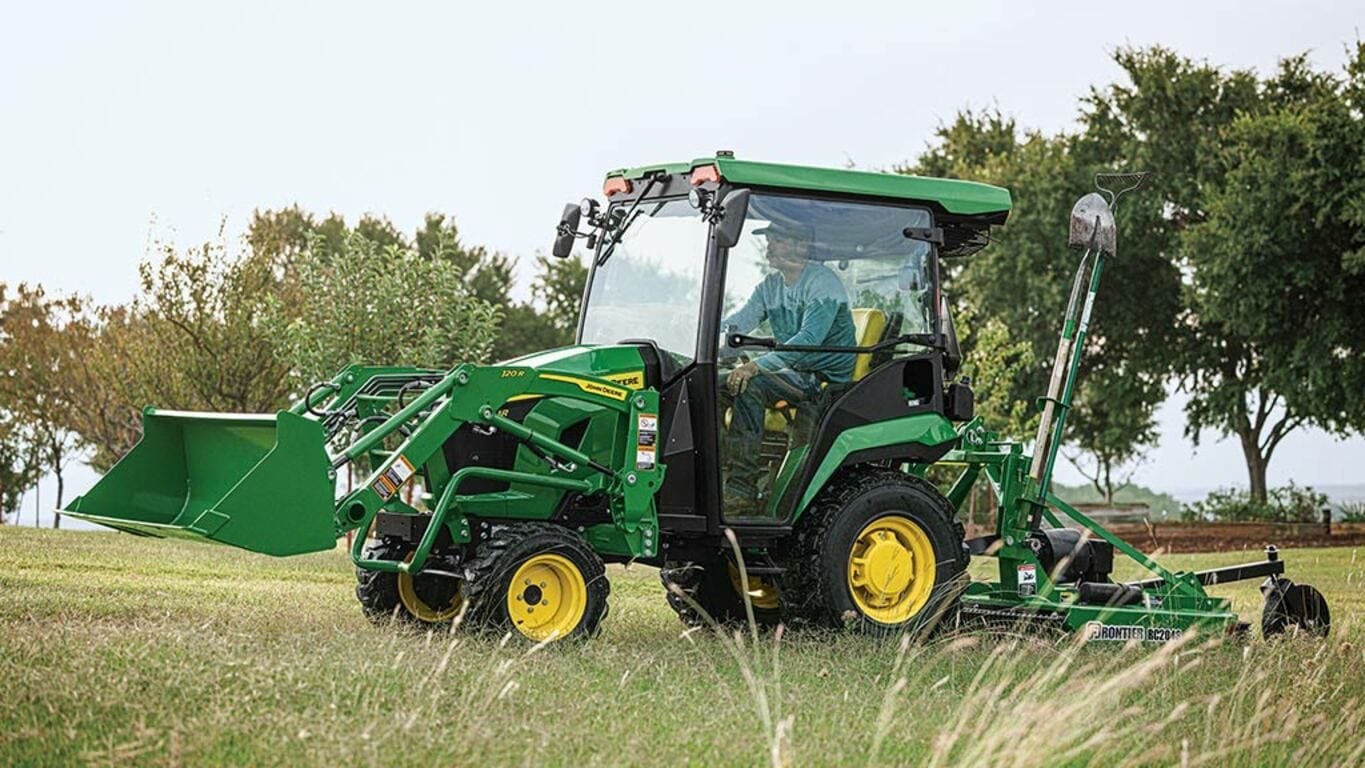
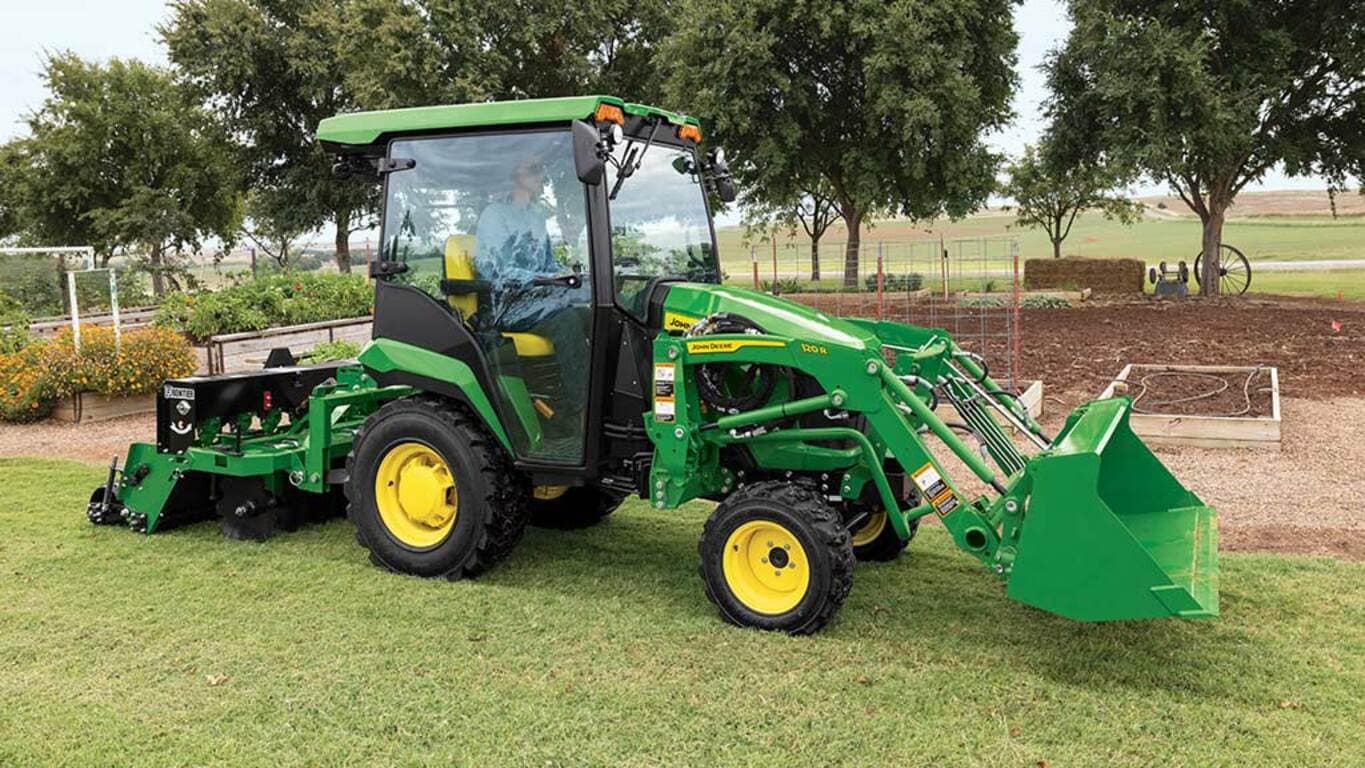
1 Series Tractors can have up to three implements mounted simultaneously due to standard dual selective control valves (SCVs), allowing you to switch from using one implement to another without stopping to adjust. When a third SCV kit is added, the number of possible combinations is greatly increased.
The HVAC Cab is about comfort, security, and helping you get year-round performance. The cab offers protection from the elements to expand the versatility of 1 Series Tractors to perform in all climates.
Twin Touch™ foot controls allow you to select both speed and direction of travel with a touch of the toe. Ideally suited for jobs where productivity is a must, such as loader or mower applications.
Setup, operate, and maintain your tractor with Equipment Mobile and a John Deere Smart Connector.
To download the free Equipment Mobile app, visit the Apple® App Store® or Google Play™ store.
You can now view information about your tractor with a Smart Connector in Equipment Mobile. Take advantage of familiar TractorPlus features in Equipment Mobile such as the Live Dashboard and Diagnostic Trouble Code alerts. Equipment Mobile offers additional tools to help you manage not just your tractor, but your entire fleet in one place.
Any size and type of operation will appreciate the features in Equipment Mobile. View help documentation to learn more about the application.
A John Deere account is needed to use the Equipment Mobile app. Here’s a great overview of how to do it: How to Create A John Deere Account | John Deere (youtube.com)
Equipment Mobile:
Please note that Smart Connectors offer local connectivity via Bluetooth, while JDLink modems enable remote connectivity and provide valuable data including location, machine performance metrics, health data, access to John Deere Connected Support services, and more.
Users can still benefit from Equipment Mobile if they do not have a Smart Connector.
Installing the Smart Connector will offer additional capabilities to help monitor equipment by sending information from the tractor to the user’s mobile device using Bluetooth® wireless capability. The following table outlines the differences between using Equipment Mobile with and without a Smart Connector.
Equipment Mobile app |
Additional Equipment Mobile app features with Smart Connector |
|
|
To pair the John Deere Smart Connector with a phone and tractor, you must first be in range with the tractor equipped with the John Deere Smart Connector. Once the Smart Connector is plugged in and the tractor is keyed on, the Smart Connector will be available to pair within Equipment Mobile. The flow of pairing a Smart Connector in Equipment Mobile is shown below.
Apple and App Store are trademarks of Apple Inc. Google Play, and YouTube are trademarks of Google LLC. Bluetooth is a trademark of Bluetooth SIG, Inc.
Quick Equipment Search
Equipment Filter